Remote Monitoring Management for Linux with Level.io: Real-world Experience from Lumi-Systems.io
Professional Remote Monitoring Management for Linux systems: How Level.io RMM at Lumi-Systems.io manages, automates and secures devices – GDPR & NIS2-compliant.
The search for the perfect Linux RMM solution
When I founded Lumi-Systems.io two months ago, I faced a challenge many IT professionals know: How do I manage my own Linux devices – and potentially those of my clients – efficiently, securely, and scalably?
My mission was clear: sell refurbished notebooks with preinstalled Linux to private and business customers. Sustainable, cost-efficient, and technologically excellent. But even for my own IT infrastructure, I needed a professional solution.
And then something became clear to me: I am not alone with this problem.
There are the system administrators, who manage the IT of their family, friends, and acquaintances on the side – 5 Linux laptops here, a few Ubuntu servers there. Or the freelance IT consultant, who is responsible for several small businesses. Or the SME with 30 employees, which manages a hybrid IT landscape: Windows laptops in the office, Linux servers in the data center, and occasionally macOS in the creative department.
Most RMM solutions (Remote Monitoring and Management) are optimized for Windows. Linux? At best an afterthought. macOS? Often expensive or functionally limited. And if you want to manage all three operating systems? Complicated and costly.
Then I came across Level.io – and everything changed.
In this article, I share my practical experiences: how we at Lumi-Systems.io use Level.io daily, why this platform is perfect for system admins (whether private or professional), and how companies of any size can use it to Linux, Windows AND macOS centrally manage.
What is Level.io RMM – and why is it different?
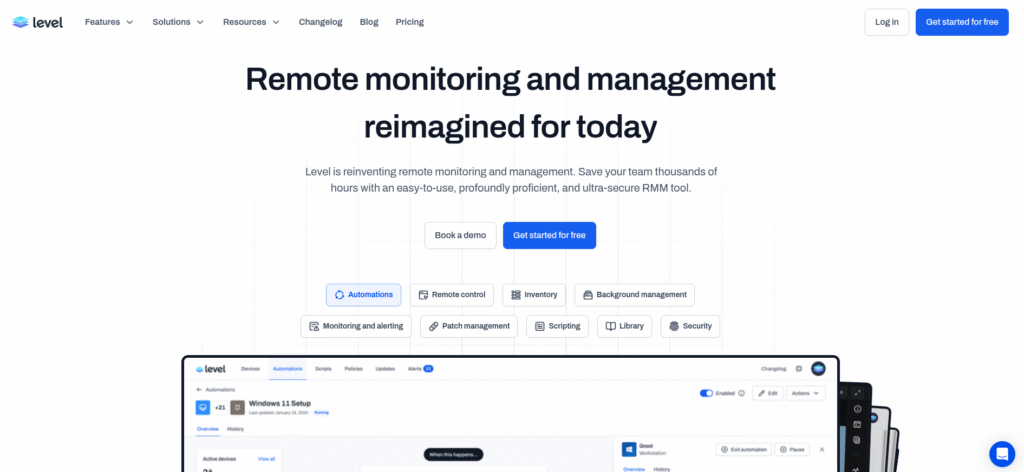
Level.io is a cloud-based Remote Monitoring and Management platform, developed specifically for modern IT environments. Unlike dinosaur RMM tools that are Windows-heavy, resource-hungry, and overly complex, Level.io focuses on:
✅ Native Linux support – Not treated as an afterthought, but as a first-class citizen
✅ Lightweight agent – Minimal resource consumption, even on older devices
✅ Intuitive user interface – No 50-page manual required
✅ Automation library – Prebuilt scripts for security, monitoring & maintenance
✅ EU compliance – GDPR, SOC 2 Type II, NIS2-aligned
The philosophy behind it
Level.io itself runs entirely on Linux servers. The team behind the platform uses Level.io to manage its own infrastructure. That means every feature and every improvement is developed from the perspective of real Linux users. No theoretical gimmicks, but tried-and-tested tools.
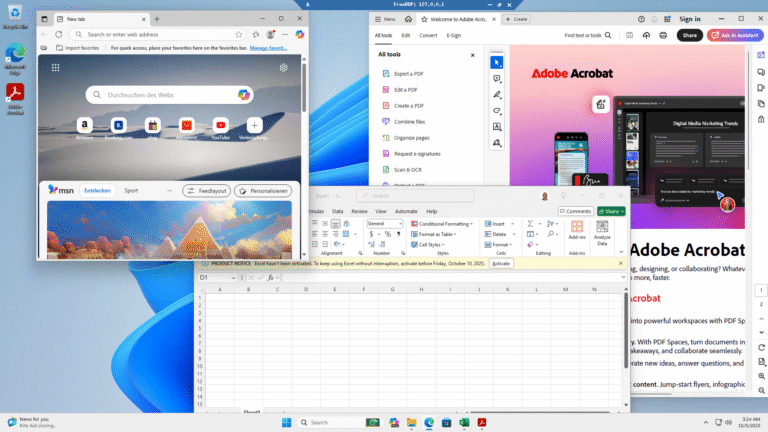
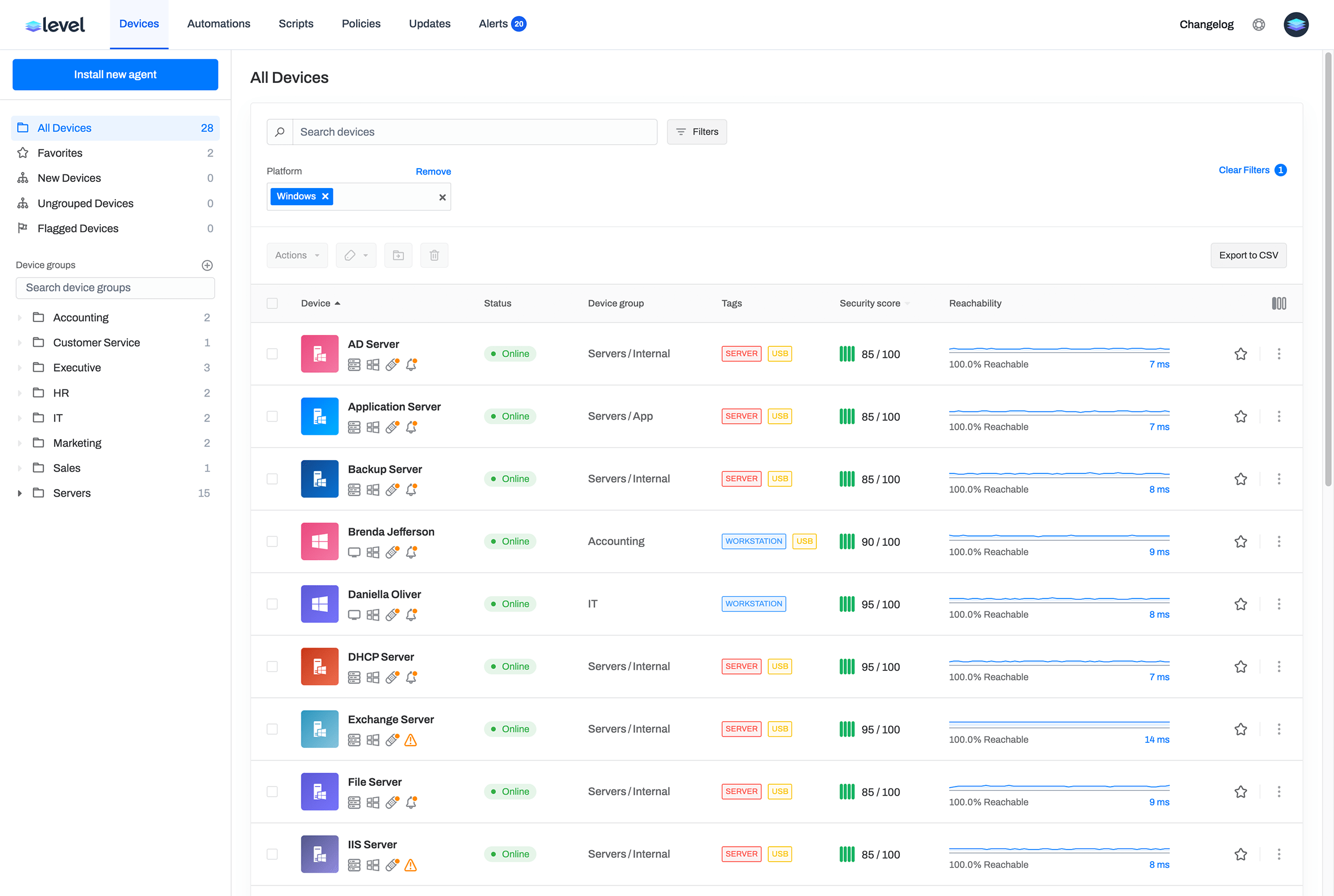
Cross-platform management: Linux, Windows, macOS – all in one tool ⬅️ HERE
An often overlooked advantage of Level.io: It is not just a Linux RMM solution.
Level.io supports:
- ✅ Linux (Debian, Ubuntu, CentOS, RHEL, Arch, and more)
- ✅ Windows (10, 11, Server 2016-2022)
- ✅ macOS (Intel and Apple Silicon)
Why this matters:
Many companies have hybrid IT environments. Developers use macOS, accounting uses Windows, servers run on Linux. With Level.io you manage everything centrally – no tool chaos, no separate dashboards.
For system admins: You manage your family's IT? Dad uses Windows, Mom macOS, the tech-savvy brother Linux? One tool, one dashboard, one automation.
For MSPs: Multi-tenant capable means: one Level.io account, but clear separation between customers. Customer A (Windows only), Customer B (Linux + macOS), Customer C (everything mixed) – all cleanly separated and individually manageable.
Why remote monitoring management for Linux is critical
Many companies and IT service providers underestimate the complexity of Linux management in enterprise environments. The most common assumptions:
❌ „Linux is stable – you don’t have to do anything“
❌ „We only have 5 Linux clients, we can manage that manually“
❌ „RMM is only relevant for Windows environments“
The reality looks different:
Security: Linux systems also need regular patches. Kernel updates, CVE fixes, software updates – without central management, you quickly lose track.
Scaling: From 10+ devices, manual management becomes inefficient. Every configuration change, every update becomes a time waster.
Compliance: GDPR, NIS2 and ISO 27001 require verifiability. When was which system patched? Who had access? Without RMM: documentation chaos.
Remote support: Customers expect fast help. Without RMM, that means: setting up SSH access, configuring VPN, or (worst case) traveling on-site.
Business continuity: A failed system should be detected immediately – not only when the customer calls.
Practical insight: How Lumi-Systems.io uses Level.io
At Lumi-Systems.io, every refurbished notebook goes through a defined process before it reaches customers. Level.io is the central nervous system.
1. Device onboarding: From blank to ready in 10-15 minutes
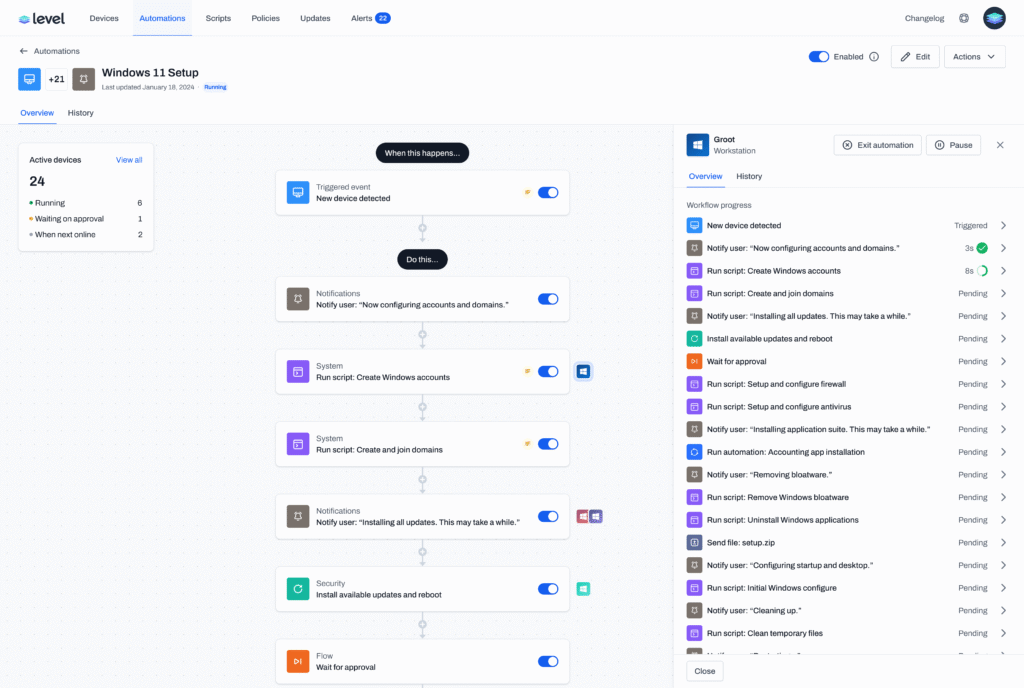
At Lumi-Systems.io, every refurbished notebook goes through a standardized setup process. Level.io is the central tool that enables us, a fully configured system in 10-15 minutes to provide.
The process:
Phase 1: Base Installation (Manual)
- Install Debian/Ubuntu Linux
- or install AnduinOS Linux (standard at Lumi-Systems.io)
- Install Level.io agent:
bash
LEVEL_API_KEY=[********************************] bash -c "$(curl -L https://downloads.level.io/install_linux.sh)"Seconds later, the device appears in my Level.io dashboard.
Phase 2: Automation takes over (via Level.io) Once the agent is registered, pre-built automations take effect:
- Installation of all standard software (browsers, office tools, developer tools)
- Configure DNS settings
- Set firewall rules
- Apply Lumi wallpaper and branding
- Install RustDesk for remote support
- Security hardening (SSH keys, Fail2Ban, etc.)
Result: After 10-15 minutes, the notebook is fully ready to use – without me having to manually enter individual commands.
For system admins: Imagine you're setting up a new laptop for your mother. Instead of spending hours with „click here, install this, configure that,“ you install the Level.io agent – and the rest happens automatically. Same principle for your company: A new employee gets a laptop? Install the agent, wait 15 minutes, done.
Automatic setup via Custom Fields:
Each device is automatically assigned tags and Custom Fields:
- Device purpose: e.g., „Lumi-Inventory“, „Customer-XYZ“, „Family-Schmidt“
- Warranty end date: Date on which the Lumi-Systems.io warranty expires
- Hardware type: e.g., „ThinkPad T480“, „Dell Latitude 7490“
- Installation date: Automatically recorded
These fields are not just decoration – they are the foundation for intelligent automations.
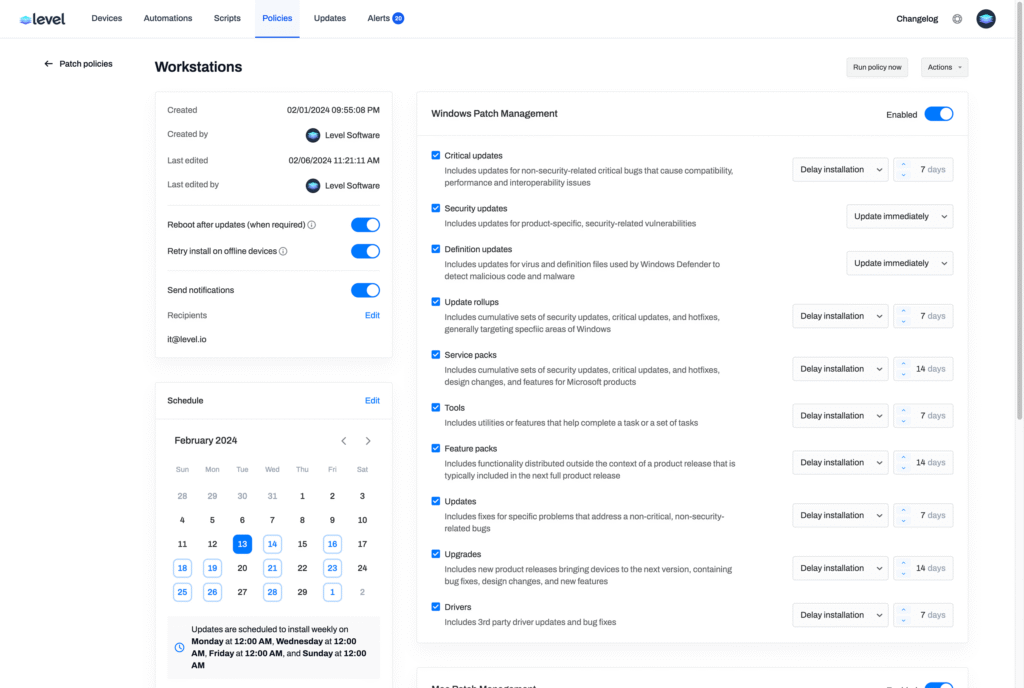
3. Patch management: Automated & controlled
Whether at Lumi-Systems.io, in a company or in IT support for family and friends – outdated software is a security risk.
The challenge: No one wants to update each device individually. But no one wants updates to go wrong unnoticed either.
Level.io solution: Automatic patch management
I have created an automation that checks weekly whether updates are available. Here is a simplified example (the real scripts are more complex and, for example, check for failed updates, create logs, and send notifications):
bash
sudo apt update && sudo apt upgrade -yIn practice, I use sophisticated scripts that:
- Create a snapshot before the update (for critical systems)
- Install only security updates (or all updates, depending on policy)
- Automatically perform a rollback on errors
- Collect logs centrally and alert on anomalies
- Exclude special packages (e.g. kernel updates that require manual reboots)
The script runs at night (3 a.m.) so as not to disturb users. The output is shown in real time in the Level.io dashboard – I can see immediately whether updates were successful or errors occurred.
For security-critical patches: A separate automation that installs CVE-relevant updates daily and alerts me immediately if there are problems.
For system admins: Your parents, siblings or friends never have to worry about updates again. You get a notification if something goes wrong – otherwise everything runs in the background.
For businesses: Compliance requirements (NIS2, ISO 27001) demand verifiable patch cycles. Level.io documents every update automatically – perfect for audits.
4. Monitoring & alerting: problems before they arise
Level.io offers a Automation library with pre-built monitors. Among others, I use:
- Disk Space Monitor: Alert at <10% free storage
- Security Monitor: Checks for unpatched systems
- Service Monitor: Monitors critical services (SSH, firewall)
- Custom Monitor: Checks RustDesk availability (more on that shortly)
If a device goes offline or a critical value is exceeded, I immediately receive an email or Slack message.
5. Remote support: RustDesk integration for GUI access
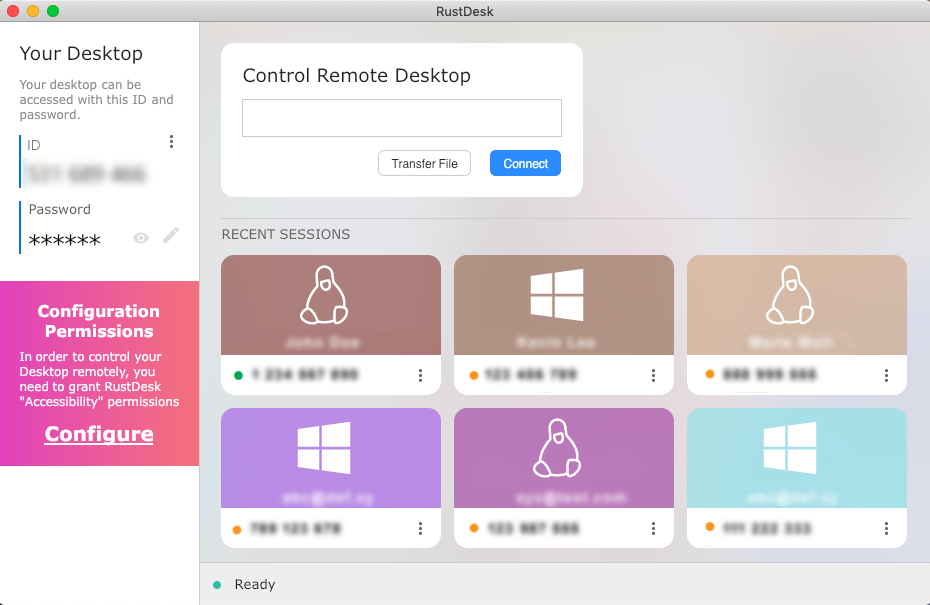
One weakness of Level.io (still, for now): native GUI remote control for Linux desktops is missing. Development is underway, but until then I use RustDesk – an open-source tool for remote maintenance.
My integration:
Via Level.io automation, I install RustDesk on all devices:
bash
wget https://github.com/rustdesk/rustdesk/releases/download/1.2.3/rustdesk-1.2.3-x86_64.deb
sudo dpkg -i rustdesk-1.2.3-x86_64.deb
Then I set the RustDesk ID via custom script in the Level.io custom field „RustDesk ID“. That way I can immediately see the access credentials for each device – without email chaos or Excel lists.
The web terminal of Level.io I use it for all other tasks: checking logs, restarting services, editing files. It is fast, responsive, and requires no additional software.
6. Warranty management: Automatic notifications
I sell refurbished notebooks with a 12-month warranty. Without a system, I will definitely forget to inform customers in time about expiring warranties.
Level.io solution:
- Custom field „Warranty end date“ (date format)
- Monitor that checks all devices monthly
- Automation: When „warranty expires in 30 days“ → email to me + customer
The script uses the custom field as a variable – one script for all devices, fully dynamic.
Level.io for businesses: Why non-MSPs also benefit
Lumi-Systems.io is an MSP. But Level.io is not only for IT service providers built. Every company that runs 5+ Linux systems benefits massively.
Use case: Small startup with 20 employees
Scenario: A software startup uses Ubuntu laptops for developers. The IT admin (one person) should:
- Ensure that all devices are patched
- Provide fast remote support when problems occur
- Meet compliance requirements (e.g., GDPR documentation)
Without Level.io: Manual SSH to each device, Excel lists for updates, hope-based monitoring.
With Level.io:
- All devices in a group „Developer laptops“
- Automated patch management on Friday evenings
- Web terminal for fast support
- Compliance reports with one click
Costs: The first 10 devices are free, each additional one $2/Monat. For 20 devices: $20/Monat – less than one hour of admin work.
Use case: Mid-sized company with hybrid IT
Scenario: 50 Windows clients, 15 Linux servers (Web, DB, etc.)
Level.io can both worlds manage. The Linux servers benefit from:
- Headless management: Web terminal is sufficient for server management
- Automated backups: Scripts for database backups via Cron + Level.io monitoring
- Security hardening: Automatic firewall checks, SSH key management
- Compliance: SOC 2-certified platform = trustworthy data handling
Compliance & Security: Why Level.io is the right choice for EU companies
For me as an MSP and for my business clients, data protection is non-negotiable. This is where Level.io shines:
🔒 SOC 2 Type II certified
Level.io undergoes regular external audits. This means:
- Strict access controls
- Encryption in transit and at rest
- Incident response processes
- Regular penetration tests (quarterly)
Documents: Level.io makes the SOC 2 report and DPA (Data Processing Agreement) publicly available.
🇪🇺 GDPR-compliant
- Data processing according to EU standards
- Subprocessors are documented (Vultr, AWS, Hetzner, Advanced Data)
- Right to Access, Right to Deletion implemented
- Data residency: Distributed infrastructure, but EU servers available
🛡️ NIS2-aligned
The EU NIS2 Directive requires companies in critical sectors to meet increased cybersecurity standards. Level.io already fulfills many requirements:
- Incident response processes
- Resilience through distributed infrastructure (multi-datacenter setup)
- Risk management framework
- Documentation & audit trail
Important for companies: Anyone who needs to be NIS2-compliant has a solid foundation for IT asset management and incident response with Level.io.
🔐 Signed binaries & transparency
All Level.io agents are digitally signed – no unsigned binaries that could raise security concerns. (An earlier pen test report had incorrectly reported unsigned binaries – that was never the case.)
Automation & scaling: The real game-changer
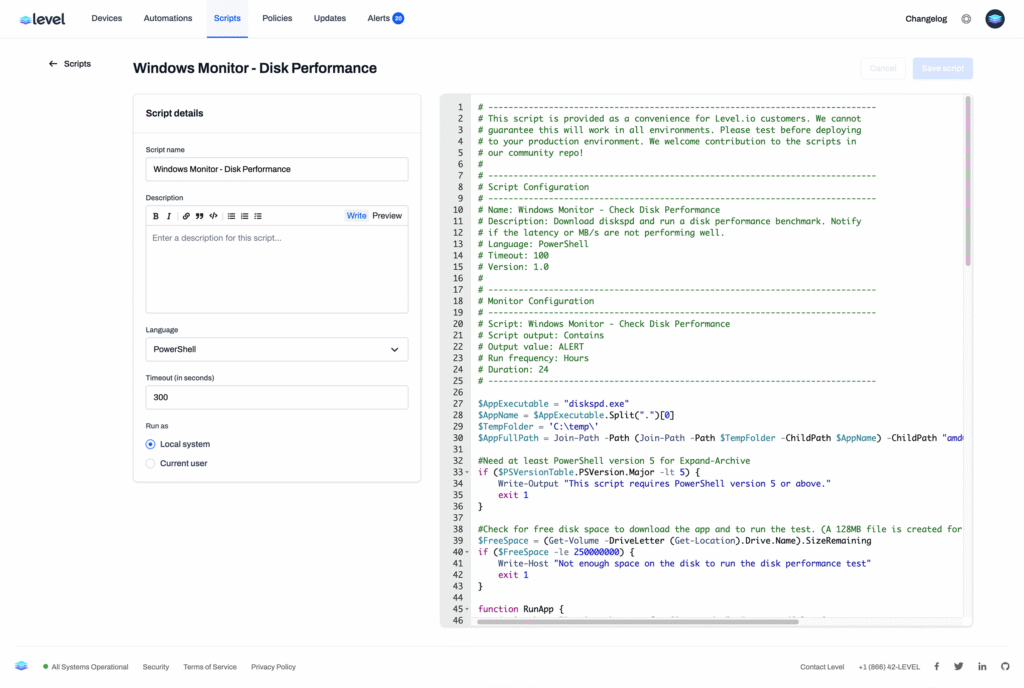
What sets Level.io apart from other RMM tools is the automation engine combined with Custom Fields.
Example: One script for all clients
Problem: As an MSP, I have 10 clients. Each one needs a DNS monitor. Traditionally: 10 copies of the same script, each with customized values.
Level.io solution:
- Create a custom field „DNS server“ at group level (per client)
- Write a monitoring script that uses the variable
{{ custom_field.dns_server }}uses - Apply the script to all devices with tag „DNS monitoring“
Result: One script, 10 clients, zero duplicates. If I change a client's DNS server, I only update the custom field—the script adapts automatically.
The automation library
Level.io offers a growing community library with prebuilt scripts:
- Security Monitoring for Linux
- Disk Space Cleanup
- Service Restart on Failure
- Log Rotation
- and much more
I can import these scripts, customize them, and apply them to my devices— without developing from scratch.
My experience: script creation with AI
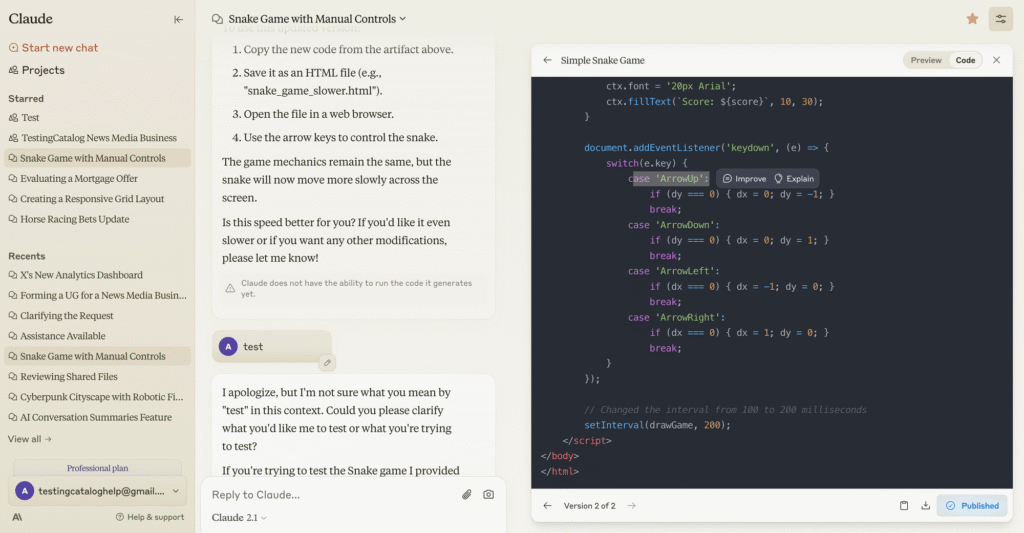
Honestly, I'm not a shell script guru. But thanks to Claude AI (my preferred AI for scripts and code) I write complex automations in minutes.
Workflow:
- I describe the problem (e.g., „Check whether RustDesk is running and restart it on failure“)
- Claude creates the Bash script
- I test it via Level.io on a test device (live output!)
- If it works, I roll it out to all devices
Transparency advantage: Level.io shows me the complete script output in real time. Debugging is a breeze.
Integration of external tools: flexibility without vendor lock-in
Level.io is not a black box. It supports HTTP requests in automations – perfect for:
- API integrations: Retrieving data from hardware suppliers (e.g. warranty information via serial number)
- Ticketing systems: Automatic creation of tickets for critical alerts (e.g. Freshdesk, Jira)
- Backup systems: Trigger for external backup jobs
Example use case:
I want to automatically retrieve the warranty end date from the supplier for every device sold:
yaml
- action: http_request
  method: GET
  url: "https://api.lieferant.com/warranty?serial={{ agent.serial_number }}"
  headers:
    Authorization: "Bearer API_TOKEN"

- action: set_custom_field
  field_name: "Warranty End Date"
  value: "{{ http_request.response.json.endDate }}"
The script runs during onboarding – no more manual data entry.
Pricing: fair, transparent, scalable
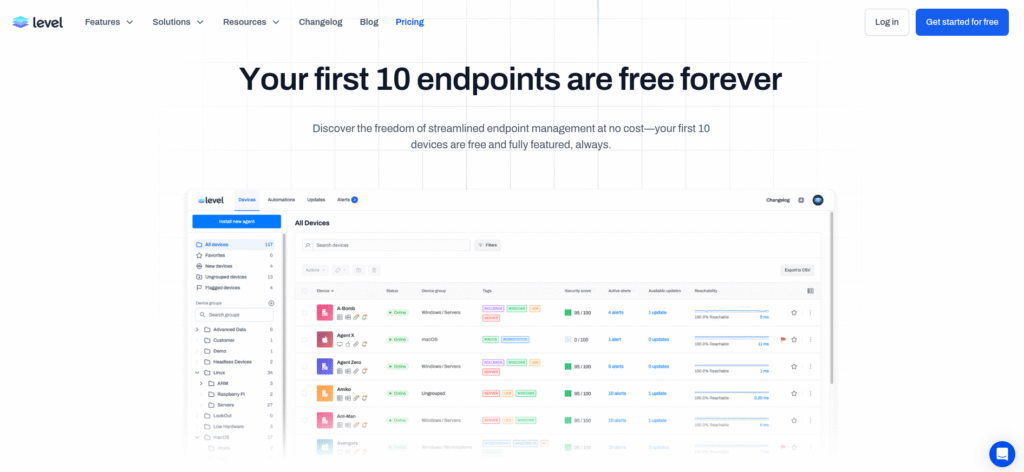
Level.io relies on a simple pricing structure:
💚 First 10 agents: free for life
💻 Each additional agent: $2/month
No hidden costs, no feature paywalls. All features (automations, Custom Fields, web terminal, monitoring) are available to everyone.
Example calculation for Lumi-Systems.io:
- 10 test warehouse devices: $0
- 50 sold devices under management: 40 × $2 = $80/month
For comparison: NinjaOne costs ~$5-10/device. Other enterprise RMMs? $10-20/device.
For a startup or SME, Level.io is unbeatably affordable – without compromises in features or security.
Outlook: What's next?
Level.io is evolving rapidly. Some announced features:
🎯 Native GUI remote control for Linux – No more RustDesk needed
📊 Customizable columns in the dashboard – Custom fields directly visible
🌍 Expanded EU presence – French distributor already active, more to follow
🔍 Advanced Reporting – Compliance reports for NIS2 and ISO 27001
The roadmap is actively discussed with the community – via Level Discord. The team is extremely responsive and open to feature requests.
Conclusion: Level.io is the Linux RMM solution we've been waiting for
After two months of intensive use, I can say: Level.io has strengthened my business.
As an MSP, I save hours every day through automations. As a Linux enthusiast, I appreciate a platform that respects my systems – no Windows workaround solutions.
For companies Level.io is the perfect choice if:
- ✅ You use your Linux systems productively (desktop or server)
- ✅ You have compliance requirements (GDPR, NIS2)
- ✅ You want remote management without complexity
- ✅ You want to scale without blowing your IT budget
For MSPs and IT service providers Level.io is a no-brainer:
- ✅ Multi-tenant capable (client = group)
- ✅ Automations scale with Custom Fields
- ✅ Pricing model enables a profitable offering for customers
- ✅ Community & support are excellent
Next steps: test Level.io yourself
The first 10 agents are free – no credit card, no risk.
For Lumi-Systems.io customers:
If you buy one of our refurbished Linux notebooks, Level.io is on request already preinstalled. You benefit from automatic updates, remote support, and proactive monitoring – with no extra effort.
For businesses:
Book a free demo with the Level.io team: level.io/demo
Or better yet, test it yourself directly: level.io
For MSPs & IT pros:
Join the Level Discord: discord.gg/level – This is where Linux-focused MSPs exchange ideas, share scripts, and help each other.
Do you have questions about Level.io or our use of it at Lumi-Systems.io?
Message me on LinkedIn or by email at office@lumi-systems.io. I'm happy to share more details, scripts, or best practices! 🚀
About the author:
Dimitri Rupp is the founder of Lumi-Systems.io and specializes in sustainable IT solutions with Linux. With over 15 years of experience in IT operations, cloud infrastructure, and process automation, he helps companies act with technological excellence and ecological responsibility.
#RemoteMonitoring #Linux #RMM #ITManagement #OpenSource #GreenIT #Sustainability #LevelIO #MSP #Compliance #lumisystems #anduinos #ubuntu #windows